THE GOGGLES: SYNC THEM, THEN SWIM
Two jobs. The team loads the day's messages from a laptop; Cat picks one mode and swims. Nothing else is needed — no phone, no internet in the water.
BEFORE THE SWIM
TEAM · ON THE LAPTOPSwitch on one goggle. Put it on its charger.
Leave the other one, the spare goggles switched off.
Open ATF Field Flasher from the Dock.
A window opens on its own — that's the app to update the goggles.
Press 🔗 Connect goggle over Bluetooth
Wait for the light to turn green.
Press ⚡ Sync to goggle
A progress bar shows how far along it is — while it's moving, leave the laptop and the goggle completely alone. Never unplug or switch off the goggle during a sync, which can take up to 4 minutes.
Wait for Applied ✓
The goggle restarts and shows the logo. That's finished — and the only proof it worked.
IN THE WATER
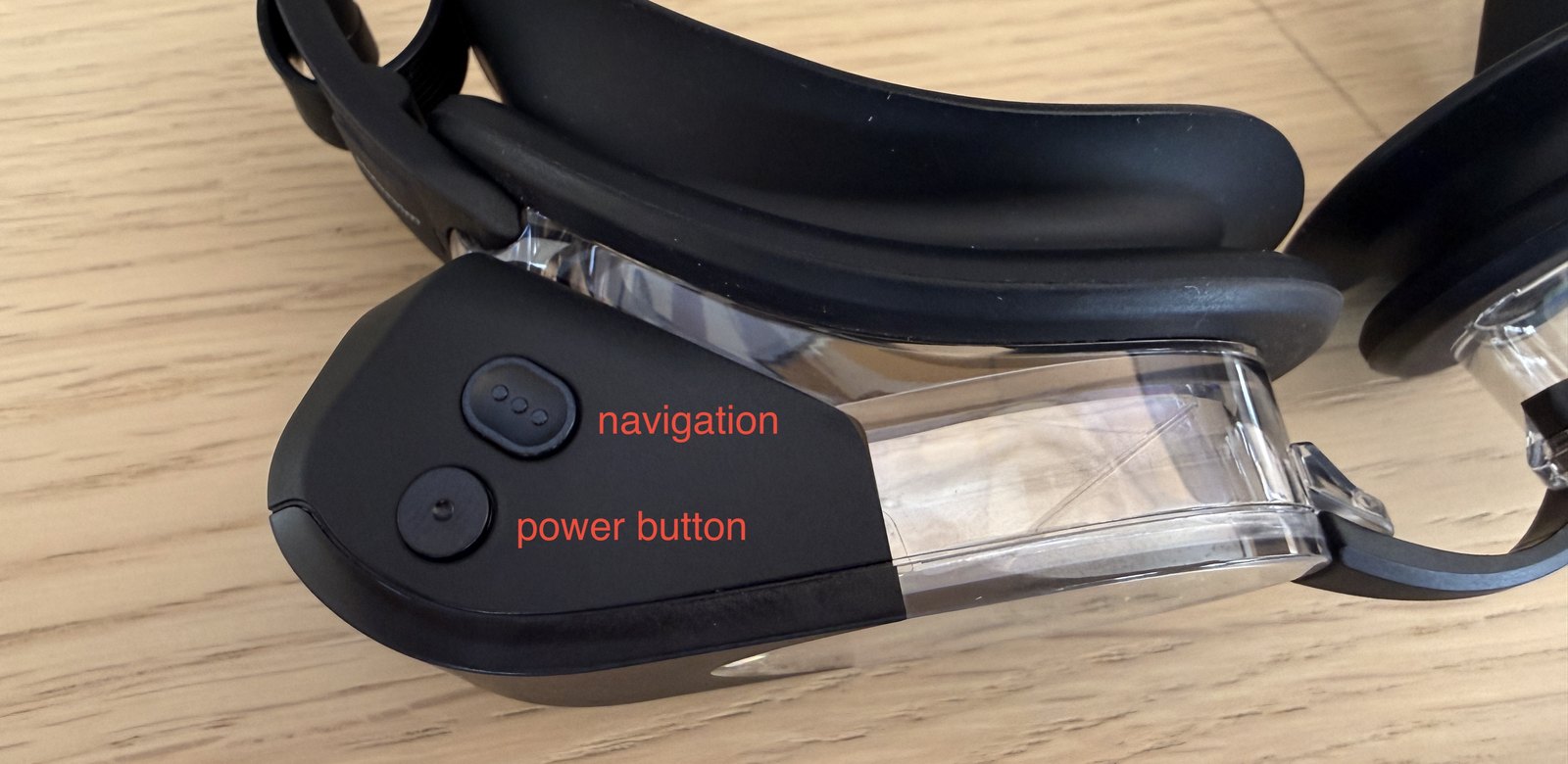
Wake the goggle with the power button.
The lower of the two buttons. It shows the AGAINST THE FLOW logo.
Choose Free training — always this one.
Step through the modes with the navigation button (the upper one). Free training is the first in the list — not Advanced training, not Custom display, not Open water. The messages only show in Free training. The menu has no words on it, only icons — match the picture below.
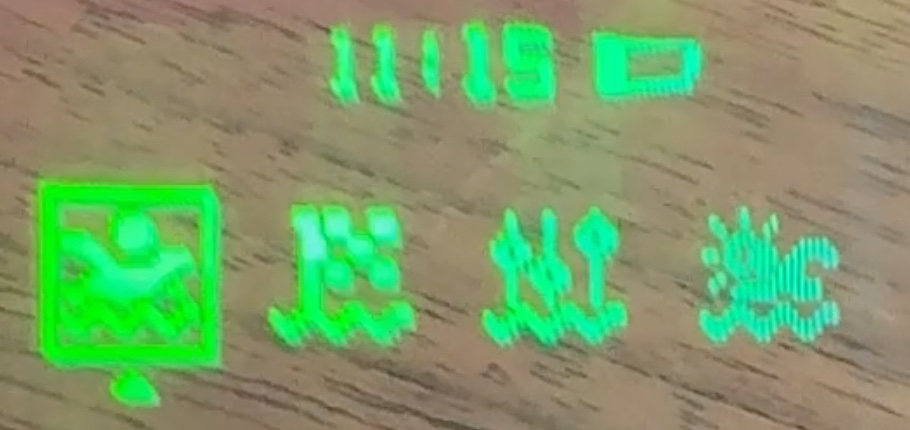
Start it and swim.
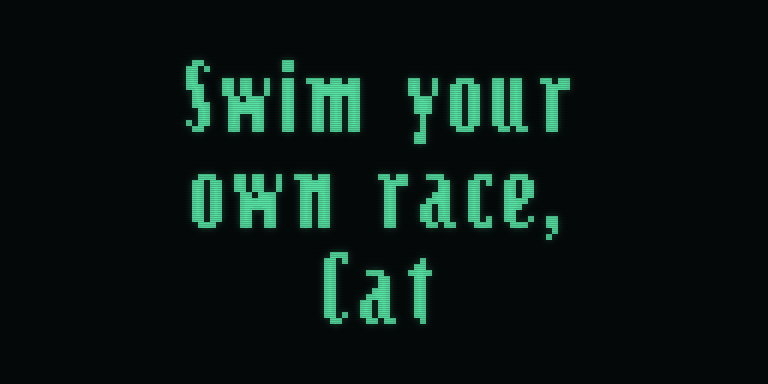
Messages take over the whole lens from the set time as Cat swims, then it goes back to normal. Works anywhere — pool, lake or sea; the goggle can't tell the difference.
WHAT YOU'LL SEE
ON THE LENS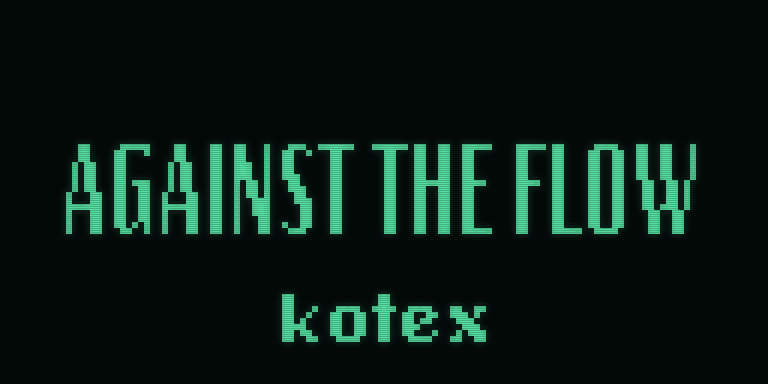
IF SOMETHING LOOKS WRONG
TEAM · WHAT THE APP SAYS- The word (sim), or “nothing was flashed”
- It isn't really talking to the goggle. System Settings > Privacy & Security > Bluetooth > switch on ATF Field Flasher. Quit the app, reopen, try again.
- It can't find or won't connect to the goggle
- Charge it, press the power button to wake it, and try again. If it still won't connect after a few tries, message the ATF support team.
- “The server has no published image for this device”
- Today's messages haven't been published yet. The goggle is untouched. Ask for the batch to be published, then sync again.
- “The goggle refused the image” / “still has its previous messages”
- Try once more, on the charger. If it fails twice, stop and message the ATF support team with what the screen said.
- No messages while swimming
- Almost always the wrong mode — come out, check it's on Free training, and start again.
GOOD TO KNOW
Sync before each session. A sync replaces everything on the goggle, so the messages are only as current as the last successful sync.
Swapping to the spare? Press ⇄ Switch to a different goggle in the app, then sync the new one before Cat wears it — it may be carrying older messages.
Charge the spare every couple of weeks even when unused. A completely flat goggle can't be synced until it's charged.
A brand-new replacement goggle needs setting up before it can be used — it can't be synced straight out of the box. Send it to the ATF support team first.
Setting up a new laptop for the first time? atf.nepyru.com/setup